
AI Filter - Turn Any Photo Into Art
Turn Any Photo Into Art
Upload a photo and choose a style. The AI filter transforms it while preserving the subject, composition, and defining details.
Explore Popular AI Filters
Browse creative effects, choose a look that fits your photo, and create a version that feels uniquely yours.
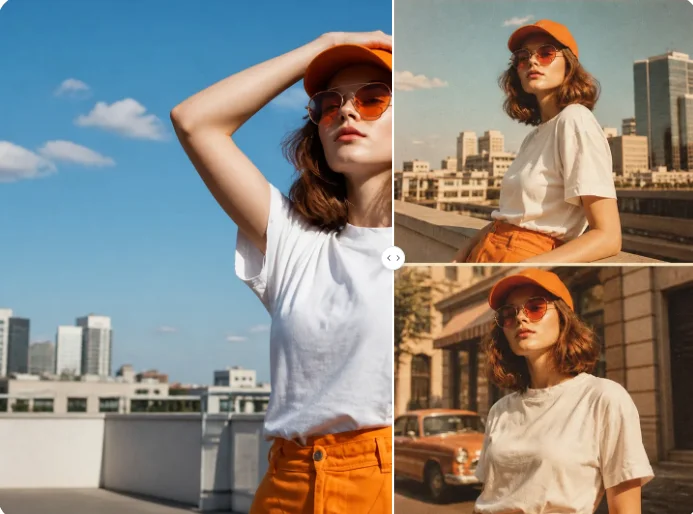
Film Filter
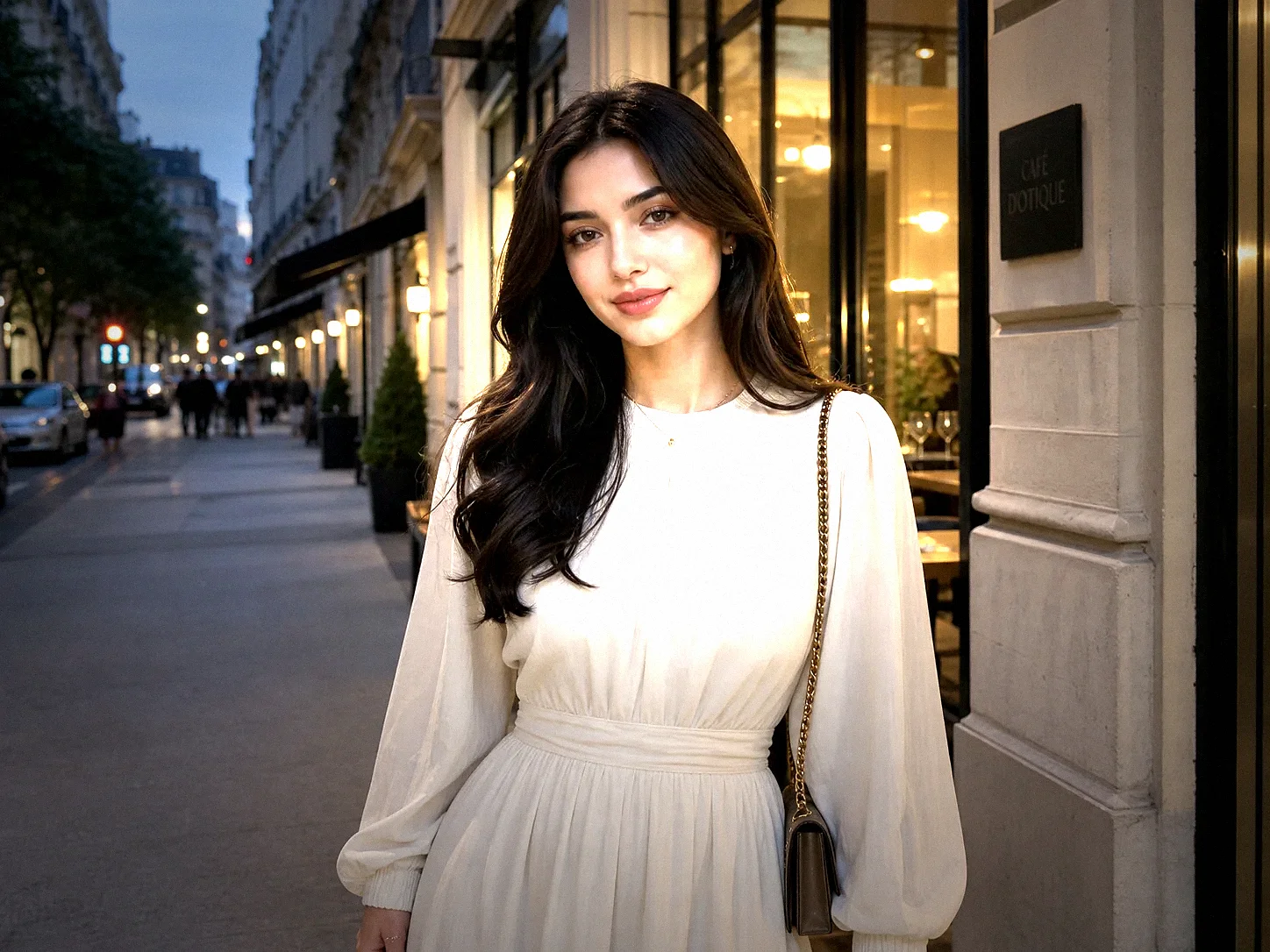
Instagram Flash Filter
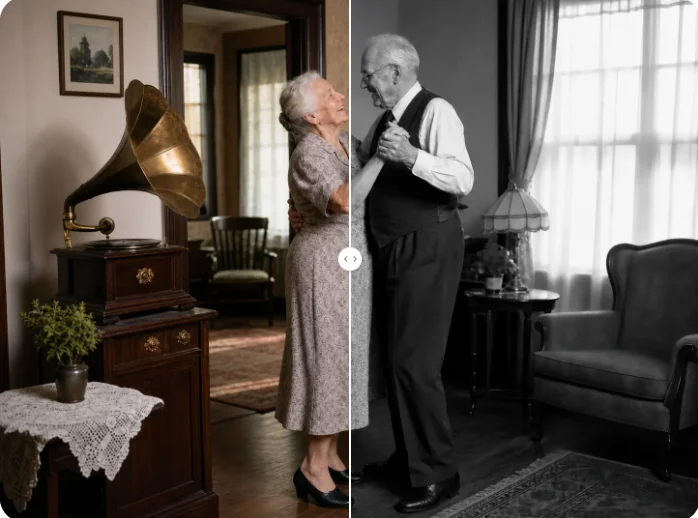
Monochrome Filter
Explore AI Filter Features
Choose how your photo should look, work with different subjects, and refine the result until it fits your idea.
Choose a Style That Fits Your Idea
Explore anime, cartoon, sketch, watercolor, pixel art, painting, line art, CG, retro game, and other visual directions. Switch styles to see how the same photo changes.
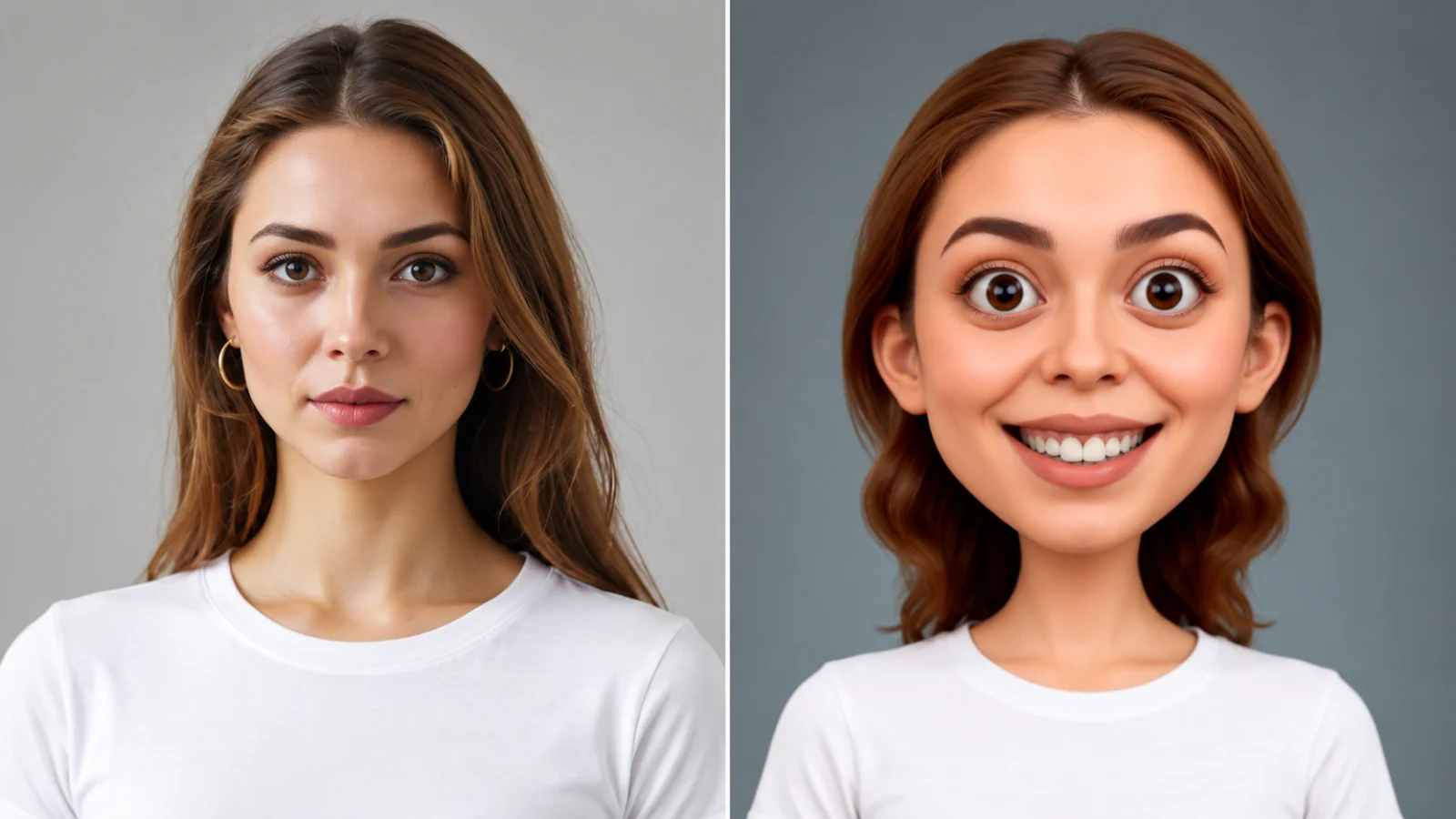
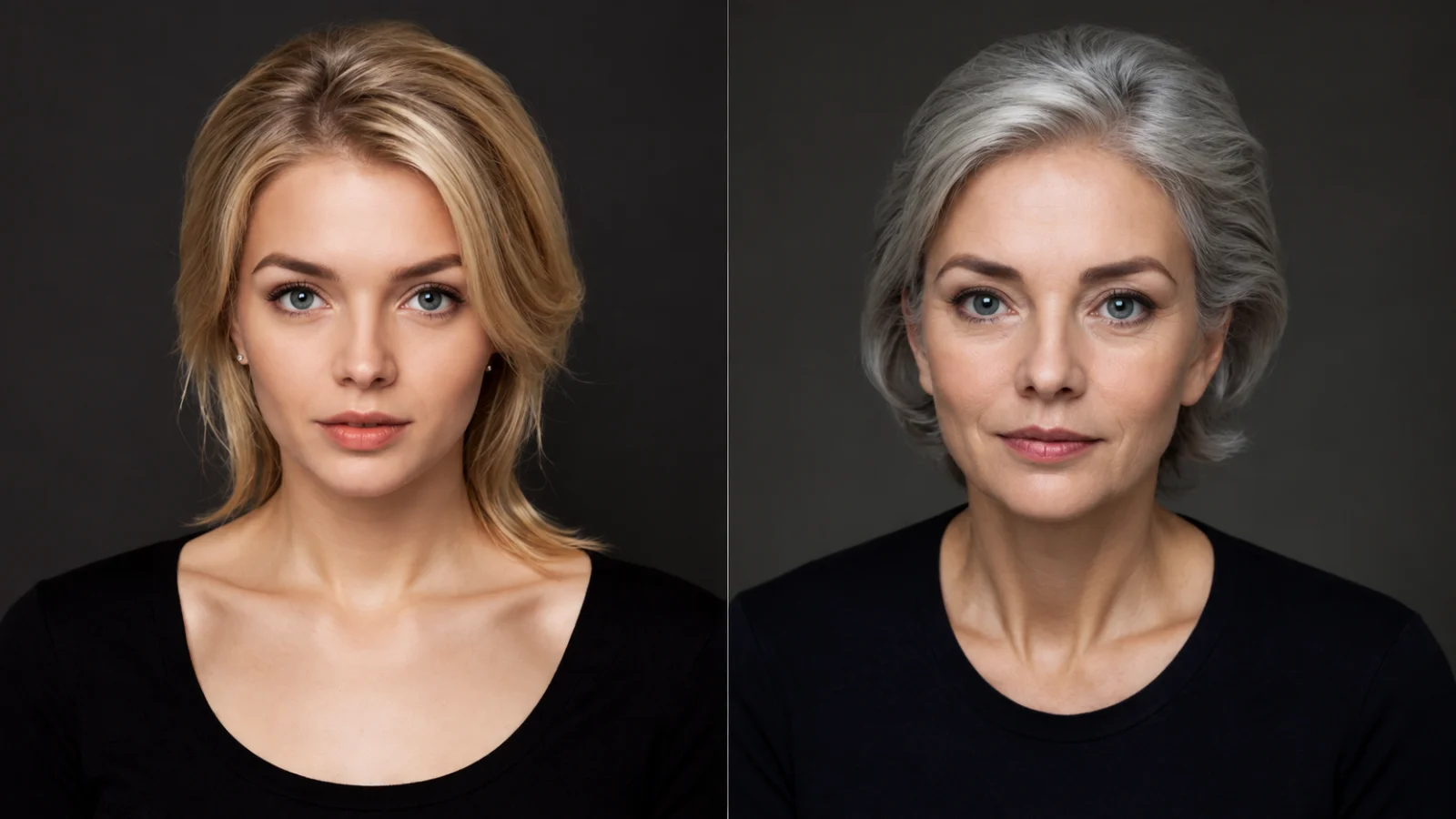
Transform Different Types of Images
Use selfies, portraits, pet photos, product shots, group photos, drawings, illustrations, or landscapes. Clear source images help the filter preserve important shapes and details.
Keep the Subject Recognizable
Restyle the image without losing the traits that make it familiar. The AI filter helps keep faces, objects, silhouettes, and composition connected to the source.
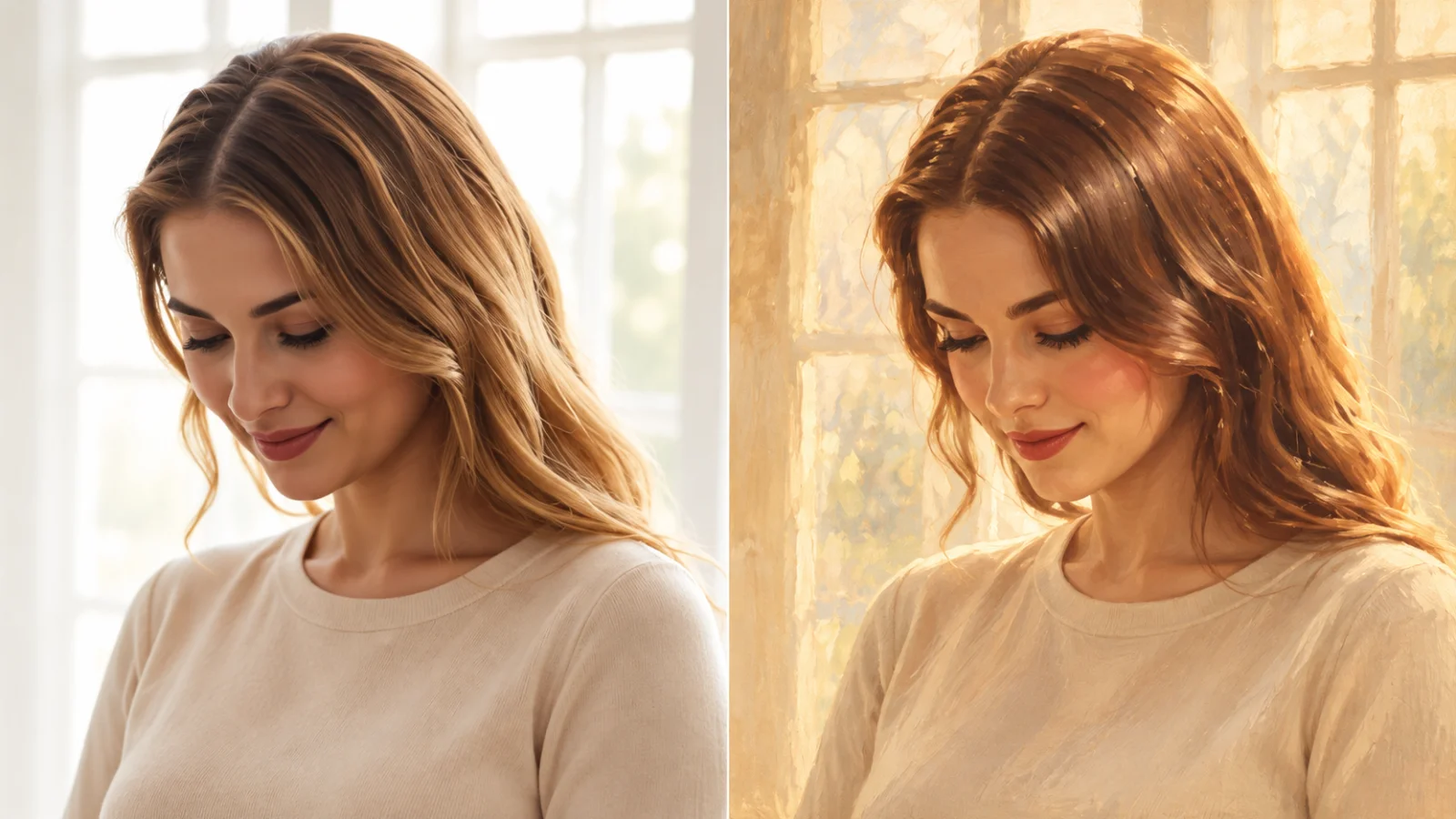
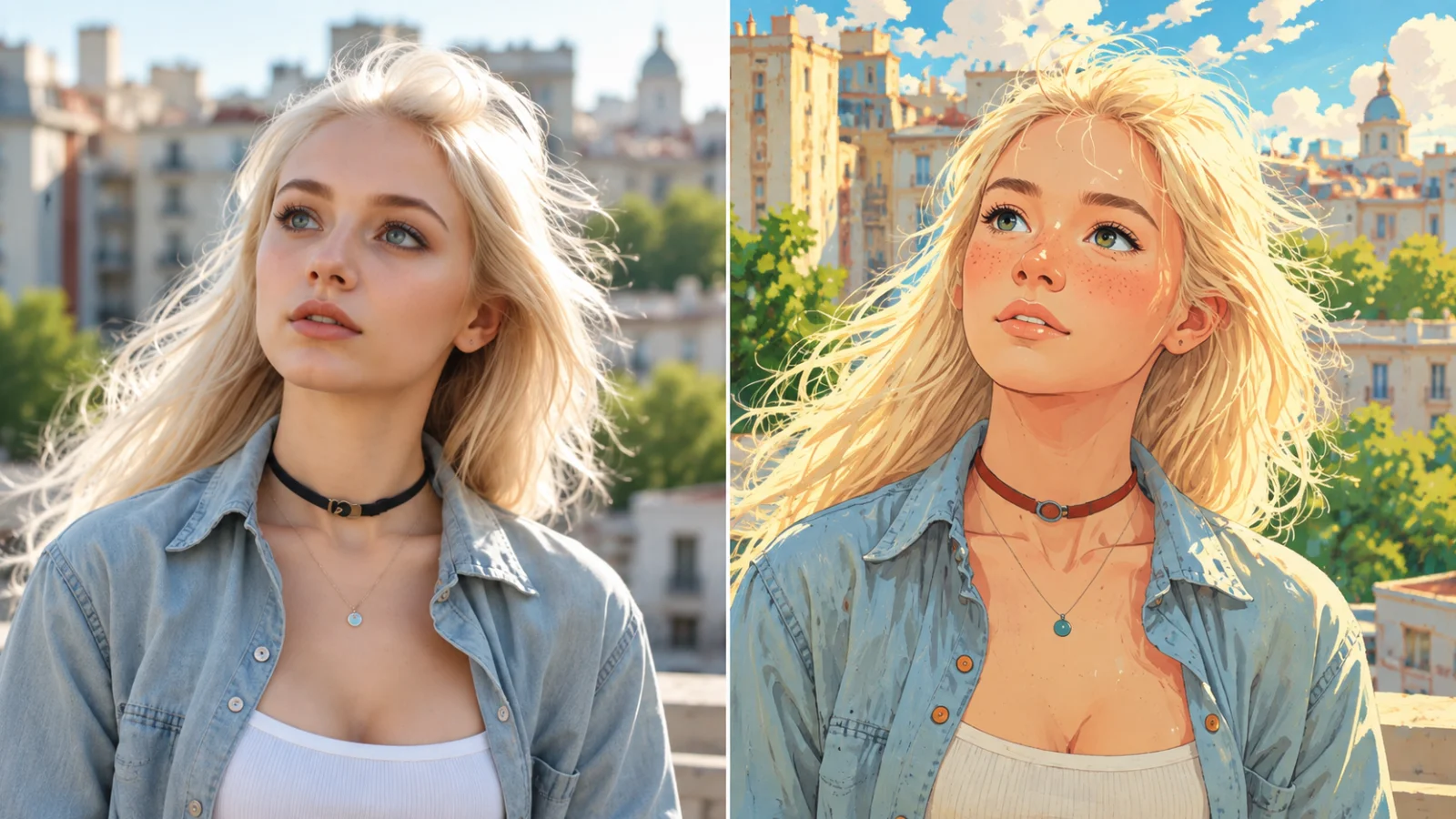
Compare and Refine Each Result
Preview the filtered image, try another style, or generate a new version when you want a different mood, level of detail, or texture. Download the result that best fits your idea.
How to Use AI Filter
Upload your image, select a style, and refine the result in three straightforward steps.
Upload a Clear Photo
Choose an image with a visible subject. Good lighting and clear details give the filter a stronger foundation for the transformation.
Choose Your Style
Select the visual direction that matches your goal. The filter applies the chosen look and prepares a new version for you to review.
Review and Download
Check the result, compare styles, or generate again if you want a different look. Download the version you prefer.
Creative Ways to Use an AI Filter
Turn everyday photos into distinctive visuals for profiles, social content, and creative projects.
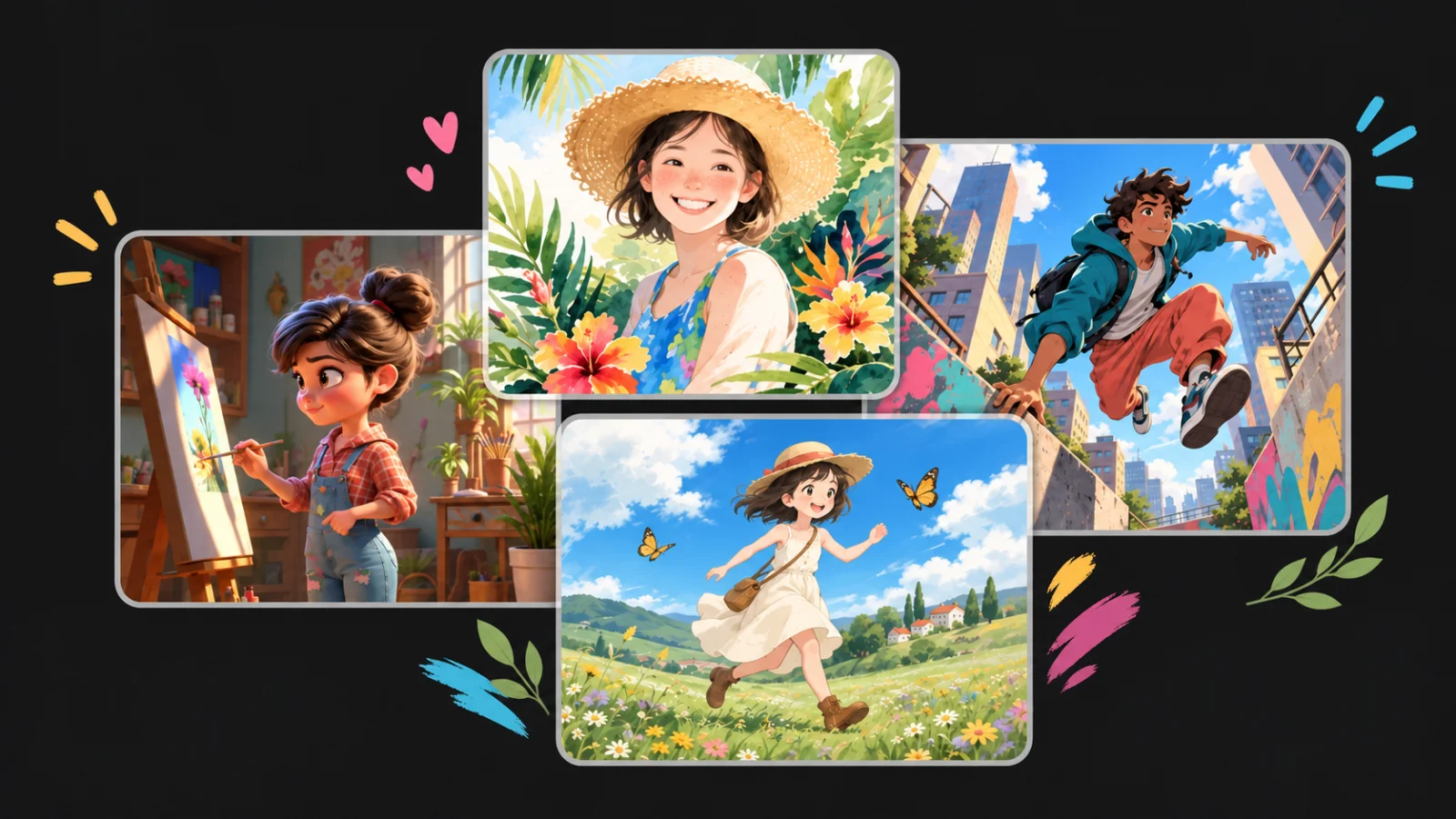
Avatars and Profile Images
Give portraits or pet photos a distinctive illustrated look for social profiles, community accounts, and creator pages.
Social Posts and Thumbnails
Turn photos into expressive visuals for posts, Reels covers, Stories, video thumbnails, and campaign teasers.
Design Concepts and Personal Projects
Explore a visual direction before committing to a final design. Use filtered images in mood boards, posters, stickers, and personal artwork.
Simple, Transparent Pricing
Choose the perfect plan for your needs. Save 33% with yearly billing — pay for 8 months, get 12 months of credits.
Starter
- Per 100 credits$3.33
- vs Monthly-33%
- Best forCasual users
- Pay 8 months, get 12
- Cancel anytime
- Monthly refresh, unused expire
Standard
- Per 100 credits$2.22
- vs Monthly-33%
- Best forRegular creators
- Pay 8 months, get 12
- Cancel anytime
- Monthly refresh, unused expire
Premium
- Per 100 credits$1.67
- vs Monthly-33%
- Best forPower users
- Pay 8 months, get 12
- Cancel anytime
- Monthly refresh, unused expire
Studio
- Per 100 credits$1.48
- vs Monthly-33%
- Best forStudios / agencies
- Pay 8 months, get 12
- Cancel anytime
- Monthly refresh, unused expire
AI Filter FAQs
Learn what an AI filter does, how it works, which images and styles to use, and how to compare different results.
Transform Your Photo With AI Filter
Start with a photo, choose the look you want, and create a stylized version that still feels connected to the original.